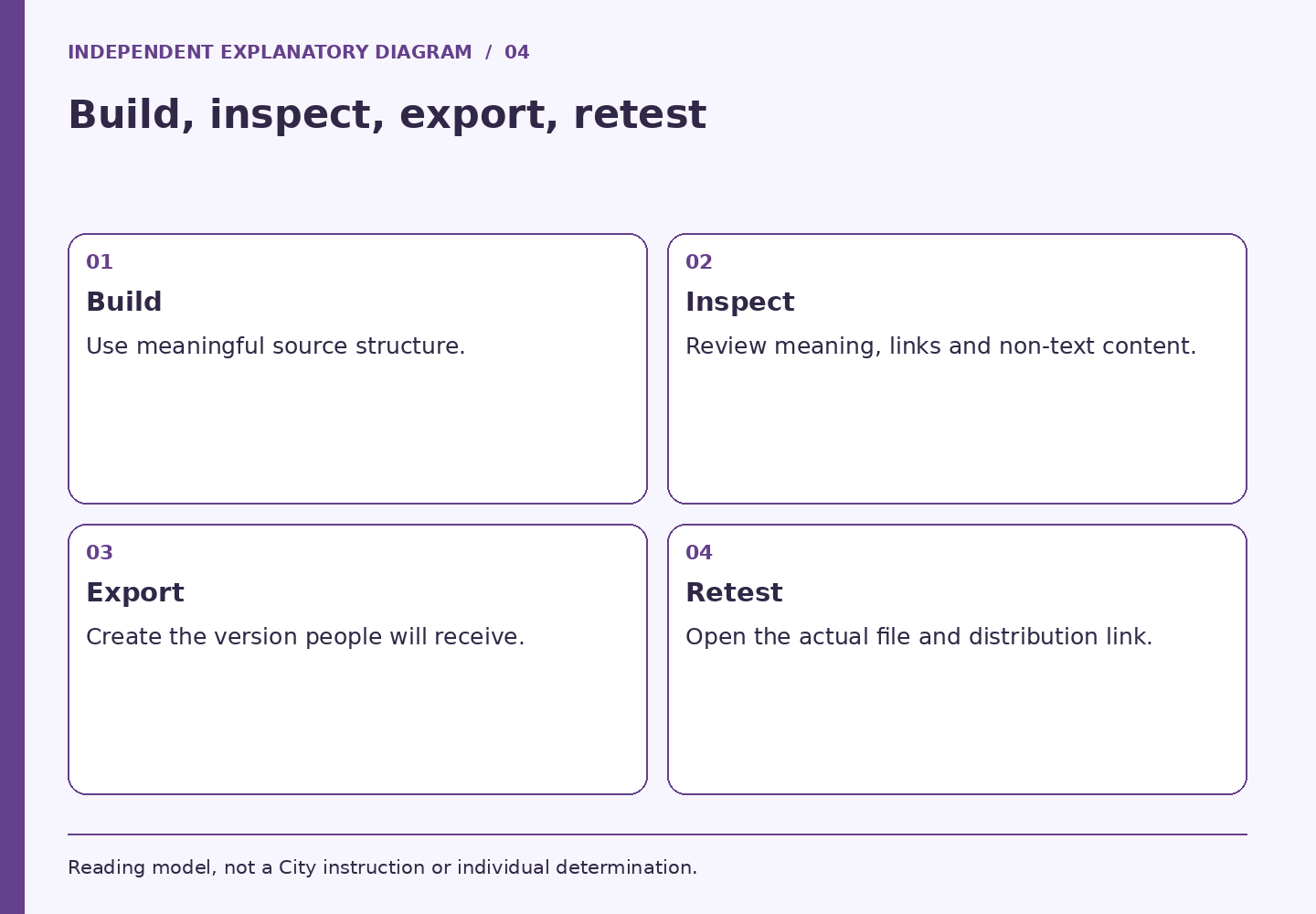
An exported file can look like its editable source while behaving differently for someone who navigates by headings or uses assistive technology. The practical task is to review the document as information with structure, not just as a page with attractive typography. Build the source carefully, then inspect the version that people will actually receive.
The Massachusetts Office on Disability's digital-document guidance explains that assistive technology needs interpretable structure and that a clean automatic accessibility check does not establish full accessibility. The guidance is written for state agencies; the general practices are useful here without turning them into a separate City policy or a certification. Massachusetts Office on Disability: Creating accessible digital documents
Start with an information outline
Write the document's title, main sections, subsections, and required actions before styling it. A short briefing might need purpose, decision, supporting facts, unresolved questions, and next step. This makes it easier to identify whether headings actually describe their sections and whether a reader can navigate directly to a useful answer.
Consider a fictional two-page orientation handout. Its visual design uses large bold phrases but no actual heading structure. A sighted reviewer sees clear sections; another reading method may encounter a long undifferentiated stream. The repair belongs in the source document's structure, not in a note telling the reader to work around it.
Check meaning in links, images, and tables
Read link labels without the surrounding paragraph. “Current meeting agenda” provides a stronger destination clue than several repeated “click here” labels. Inspect the destination too: a meaningful label attached to an outdated or restricted file does not help the recipient.
For each image, ask what information would disappear if it were removed. Put essential meaning into appropriate text or an accessible alternative. If a diagram is complex, a nearby explanation may be more useful than an overlong image description. For tables, ask whether the table expresses a real relationship between data and whether the headers make that relationship understandable.
Review the export as a separate deliverable
Export the file, reopen it, and repeat a small set of real tasks: find the decision, move through sections, follow an important link, read a table, and locate the contact for questions. Confirm the title and version are recognizable. Where specialized inspection or assistive-technology testing is needed, involve the responsible accessibility staff.
Do not solve an inaccessible PDF by circulating an image of it. Keep a usable source or alternative available through the approved distribution method. Check that recipients have access to that version and that both versions contain the same current instructions.
Keep a release note that tells the truth
A useful release note lists what was checked and what remains unresolved. For example: “Headings and link destinations reviewed; exported file reopened; complex table referred for accessibility review.” Avoid “fully accessible” unless the organization has an appropriate basis for that assertion. The absence of warnings in one tool is a narrower fact.
Before distribution, verify these five items: the correct version, readable structure, meaningful non-text content, working destinations, and an accessible way to request help. After distribution, treat a reported barrier as information about the document, not evidence that the person used it incorrectly. Repair the source, regenerate the export, and make sure the corrected version replaces the one people are actually using.
LOCAL READING AID / NO PERSONAL INPUT
Participation Readiness Map
Choose a work product and the stage of participation. Get a practical plan, focused review questions, and a route to the official source. No personal information is requested.
Read the method without JavaScript
Choose a work product and the stage of participation. Get a practical plan, focused review questions, and a route to the official source. No personal information is requested.
- Boston: Language and Communications Access: Define every participation activity, including questions and follow-up. Assign owners for the venue route, materials, communication arrangements, and live troubleshooting. Check current departmental LCA steps before committing funds.
- Massachusetts Office on Disability: Tips for hosting accessible events and meetings: Test a room question reaching a remote participant and a remote contribution reaching the room. Test shared files, communication supports, and the breakout activity with a participant account. Name who can pause the session and invoke the agreed fallback.
- Massachusetts Office on Disability: Creating accessible digital documents: Confirm the approved audience, required action, version, and owner. Review structure, meaningful links, and non-text content in the editable source. Reopen the exported file and test the actual distribution link.
- Boston: Language Access Information and Services: Separate live conversation needs from written-material needs. Provide the authorized coordinator with the format, activity, timing, and approved materials. Track source edits across every affected language version and delivery format.
- W3C WAI: Understanding Media Alternative (Prerecorded): Inventory what the lesson communicates through speech, sound, and visuals. Review captions for instruction-changing errors and identify visual meaning absent from the audio. Check the player, companion files, version, and support route as one package.
- City of Boston Employee Handbook: Policies and Procedures: Identify whether this is an employee workplace process, a City-program question, or an operational defect. Use the appropriate official channel for personal supporting information. Assign a repair owner and choose a test that matches the reported participation failure.
Choices stay in page memory. No submission, tool storage or URL change. Browser-managed form restoration may behave independently. External source links follow their own policies. Source context checked October 7, 2026.
Sources and scope
Public sources checked October 7, 2026. The exercises and fictional cases are independent editorial work. This publication cannot certify accessibility, decide an accommodation, or act for the City.
- Massachusetts Office on Disability: Creating accessible digital documents: Semantic structure, nonvisual access and limits of automatic accessibility checking. State-agency resource used for general practice, not City policy.